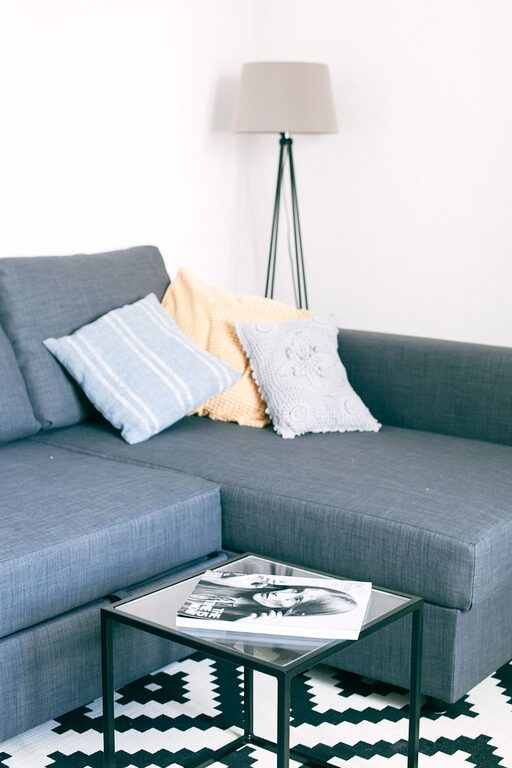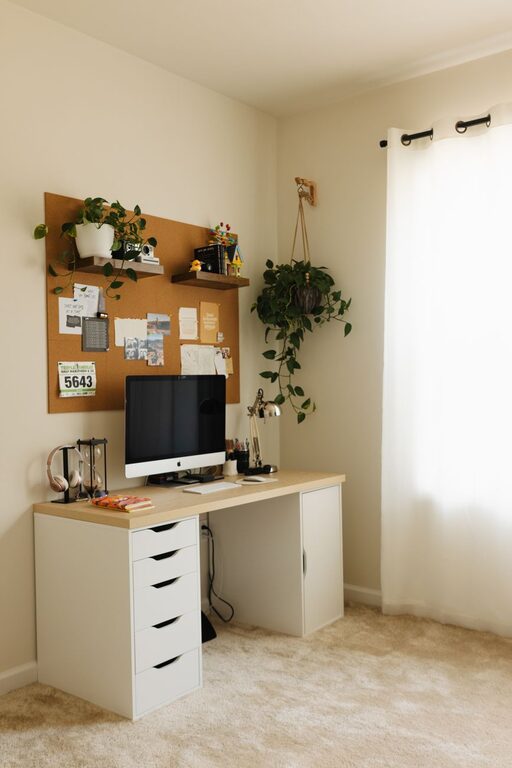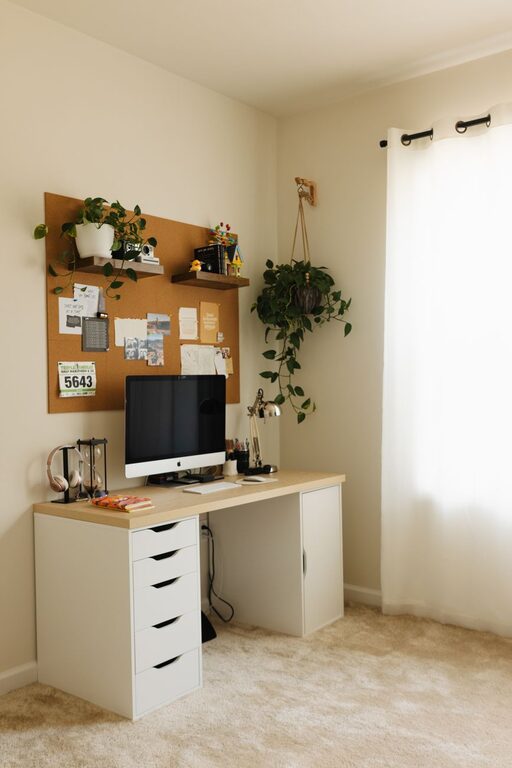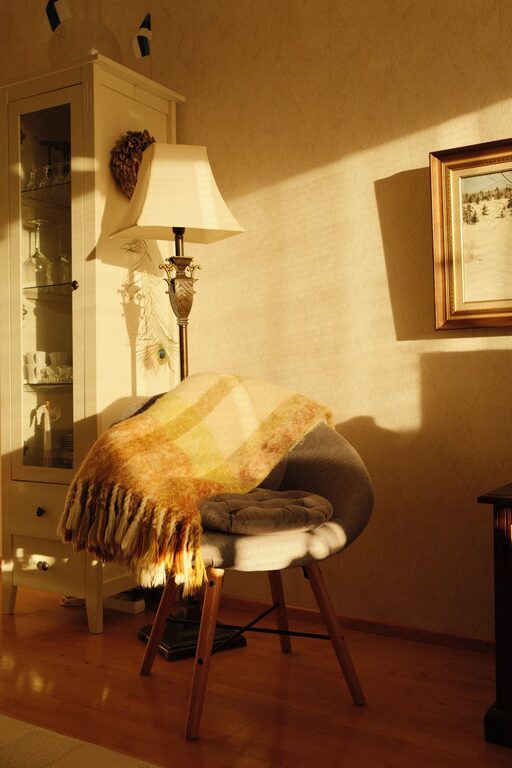
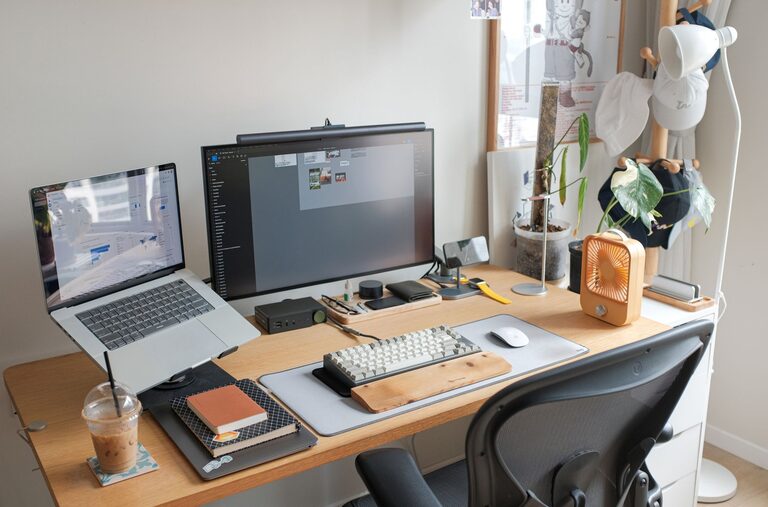
Creating a productive home office space is essential for anyone working from home, whether full-time or occasionally. A well-organised and comfortable office environment not only helps you focus but also improves your overall work satisfaction and efficiency. If you’re looking to set up or refresh your home workspace, this guide offers practical tips to make your office a place where you can be your most productive self.
Choose the Right Location
Finding the ideal spot in your home for your office is the first step. Consider these factors when choosing your location:
– Natural light: Aim for a space near a window to benefit from daylight, which can boost mood and alertness.
– Privacy: Select a quiet area where interruptions will be minimal.
– Space: Ensure there’s enough room for your desk, chair, and any equipment you need.
– Ventilation: Fresh air helps keep you alert, so a well-ventilated room is beneficial.
If a dedicated room isn’t available, even a corner in a less-used room can work if organised thoughtfully.
Invest in Ergonomic Furniture
Comfort is key for long hours of work. Ergonomic furniture supports your body correctly and reduces strain.
– Adjustable chair: Choose a chair that supports your lower back, promotes good posture, and can be adjusted for height.
– Desk height: Your desk should allow your arms to rest comfortably at a 90-degree angle.
– Monitor stand: Position your screen so that the top is at or just below eye level to avoid neck strain.
– Footrest: If your feet don’t touch the floor comfortably, use a footrest to relieve pressure.
Investing in ergonomic equipment may seem costly upfront but pays off in improved comfort and productivity.
Keep Your Desk Organised
A clutter-free desk helps reduce distractions and keeps essential tools within reach.
– Use organisers, trays, or drawers to separate paperwork, stationery, and gadgets.
– Limit personal items to a few meaningful objects to maintain focus.
– Develop a habit of tidying your desk at the end of each day to start fresh.
Consider digital organisation tools to reduce the amount of paper clutter.
Optimise Lighting
Inadequate lighting can cause eye strain and headaches. Balance natural and artificial light effectively.
– Position your desk near windows, but avoid glare on your screen.
– Use adjustable desk lamps for focused task lighting.
– Choose bulbs that provide soft, white light similar to daylight.
– Avoid harsh overhead lighting that creates shadows or flickers.
An even lighting setup supports comfort and productivity throughout the day.
Minimise Distractions
Maintaining focus is vital in a home setting where distractions abound.
– Inform household members of your work schedule to reduce interruptions.
– Use noise-cancelling headphones or play ambient music if helpful.
– Turn off phone notifications or set your device to ‘Do Not Disturb’ mode.
– Keep the workspace clean and dedicated to work only to mentally separate work from leisure.
These strategies help create boundaries and improve concentration.
Create a Personal and Motivating Environment
Your home office should inspire you to work productively.
– Personalise with items that motivate you, like photos, artwork, or plants.
– Adding greenery not only brightens the space but can also improve air quality and reduce stress.
– Use colours that energise or calm you, depending on your preference.
– Incorporate elements that make your space pleasant, such as a cosy rug or comfortable cushions.
A welcoming environment can improve your mood and motivation.
Establish Routines and Boundaries
Setting clear routines and boundaries helps maintain work-life balance.
– Define your work hours and stick to them.
– Take regular breaks, using techniques like the Pomodoro method to manage time effectively.
– Create a morning and closing routine to signal the start and end of the workday.
– Avoid checking work emails outside your designated hours.
Consistent routines make your workday more structured and stress-free.
Utilise Technology Wisely
Technology can enhance productivity but may also be distracting if unmanaged.
– Use task management apps to prioritise and track projects.
– Set up a reliable internet connection and necessary peripherals like printers or scanners.
– Keep software and security systems updated.
– Limit social media or unrelated browsing during work hours.
Efficient use of technology supports smooth and focused workflow.
Maintain Good Air Quality and Temperature
The physical environment impacts your ability to concentrate.
– Keep windows open to circulate fresh air when possible.
– Use air purifiers if needed for allergies or pollutants.
– Maintain a comfortable room temperature, typically between 18-22°C.
– Use fans or heaters appropriately to keep your space cosy but not stuffy.
A pleasant atmosphere helps maintain alertness and comfort.
—
By paying attention to your home office setup—choosing the right location, investing in ergonomic furniture, organising your space, and managing your environment—you can create an effective workspace that supports your productivity and wellbeing. Whether you’re starting afresh or enhancing your current setup, these tips will help you build a home office where you can thrive.
About the Author