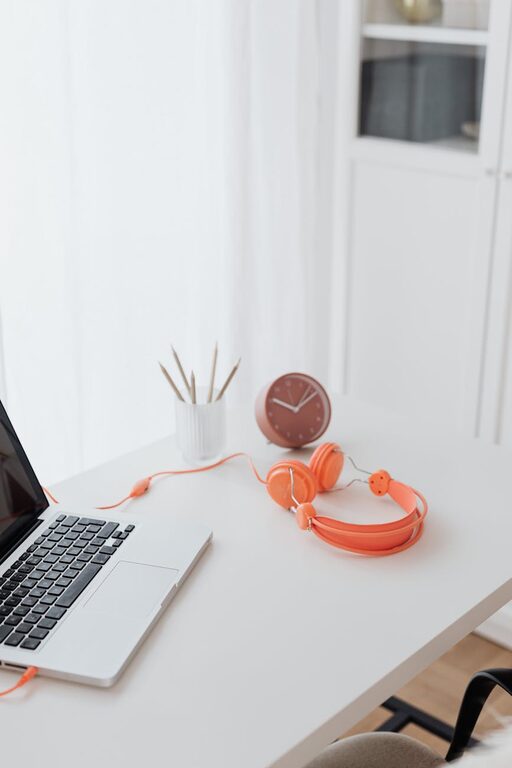
Creating a home workspace that fits your lifestyle is essential for maintaining productivity and well-being, especially in today’s era where many of us work remotely or spend more time at home. Whether you have a dedicated office room or just a corner in your living area, designing a workspace that supports your work habits and personal preferences can make a big difference in your daily comfort and efficiency.
In this post, we’ll explore practical steps and thoughtful ideas to help you create a productive home workspace that suits your unique lifestyle.
Understand Your Work Needs
Before you start arranging furniture or buying equipment, take a moment to assess how you work best.
– Type of work: Are you mostly on calls, writing, designing, or managing tasks? Different activities might require specific setups.
– Hours spent working: Longer hours might mean investing in ergonomic furniture.
– Equipment needs: Identify what tools and technology you regularly use so you can keep them handy.
Knowing your requirements ensures that your workspace is both functional and comfortable.
Choose the Right Location
Selecting the ideal spot in your home is the first step towards creating a productive environment.
Consider Natural Light
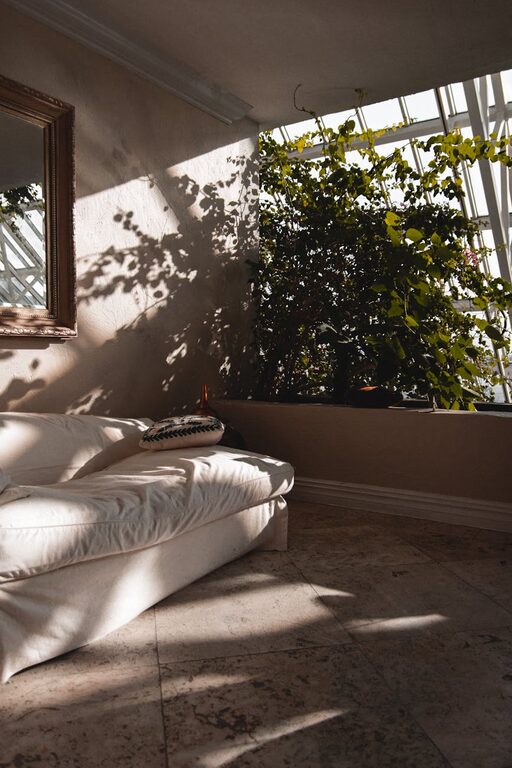
Try to pick a space with plenty of natural daylight. Sunlight boosts mood and reduces eye strain. If window options are limited, consider full-spectrum desk lamps that mimic natural light.
Minimise Distractions
Find a quiet corner away from high-traffic areas like the kitchen or family room. If this isn’t possible, noise-cancelling headphones can help maintain focus.
Balance Privacy and Interaction
If you live with others, explain your working hours to reduce interruptions. Using room dividers or curtains can visually separate your workspace from living areas.
Invest in Ergonomic Furniture
Comfortable seating and desk arrangements prevent health issues and keep you focused.
– Chair: Look for an adjustable chair with good lumbar support.
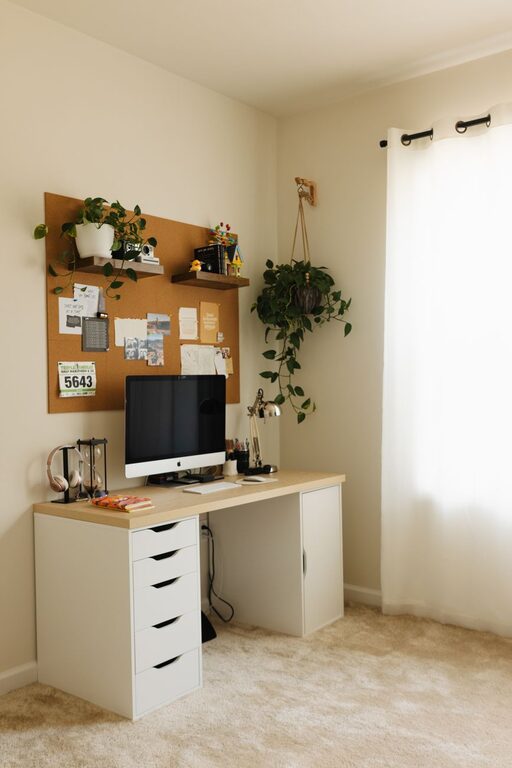
– Desk: Choose a height that suits your stature and allows comfortable typing or writing.
– Monitor placement: Position screens at eye level to avoid neck strain.
– Accessories: Use keyboard trays, footrests, or standing desks if they improve your posture.
Don’t underestimate the benefits of ergonomic furniture; it can dramatically improve your comfort during long work sessions.
Personalise Your Space
Adding personal touches can make your workspace inviting and motivate you to be productive.
– Decor: Use colours that inspire or calm you, like soft blues or greens.
– Plants: Indoor plants freshen the air and create a pleasant atmosphere.
– Organisers: Incorporate stylish storage solutions for pens, papers, and devices to keep the area tidy.
However, avoid clutter by only keeping meaningful or useful items on your desk.
Establish Clear Boundaries
Separating work from home life helps you maintain balance and prevents burnout.
– Set a schedule: Define your working hours and stick to them.
– Create rituals: Start and end your workday with a specific routine, such as making a cup of tea or reviewing your to-do list.
– Leave the workspace: When your workday ends, physically step away from your desk to signal downtime.
These habits reinforce a healthy work-life balance.
Use Technology Wisely
Make technology work for you and reduce frustration.
– Reliable internet: Ensure your wifi connection is strong and consistent.
– Organise cables: Use cable organisers or clips to keep cords tidy and prevent tangling.
– Software tools: Utilise apps for time management, task tracking, or video conferencing to streamline your work.
Regularly updating your equipment and software can prevent interruptions and improve efficiency.
Maintain Good Organisation
An organised workspace promotes clearer thinking and faster task completion.
Daily Tidy-Up
Spend a few minutes at the end of each day clearing your desk to start fresh tomorrow.
Use Filing Systems
Keep paper documents in labelled folders or drawers and digitise where possible.
Prioritise Tasks Visibly
Use a whiteboard or planner to keep your priorities in sight and track progress.
Adapt Your Workspace as Your Needs Change
Your work style and responsibilities may evolve, so be flexible.
– Rearrange furniture if your tasks change.
– Upgrade equipment as needed.
– Experiment with different seating options or lighting schemes.
Regularly reviewing your setup keeps your home workspace working for you.
—
By thoughtfully planning and maintaining your home workspace, you’ll create an environment that enhances your productivity while fitting your lifestyle. Remember, the key is to combine comfort, function, and personal touches in a way that feels right for you. Happy working!
About the Author